Stay connected
Follow us on Instagram.
See what's happening at the park — sunrise on the river, guests enjoying the pavilion, events and updates from the campground.
Open May 1 – October 1
Check-in 3:00 pm · Check-out 11:00 am
(719) 539-4888
On Instagram
Latest from the river.
Connect
Stay in touch.
Photo updates
Recent at the park.
Hand-edited, no account needed. Drop an image in
assets/images/, add one line below, push.
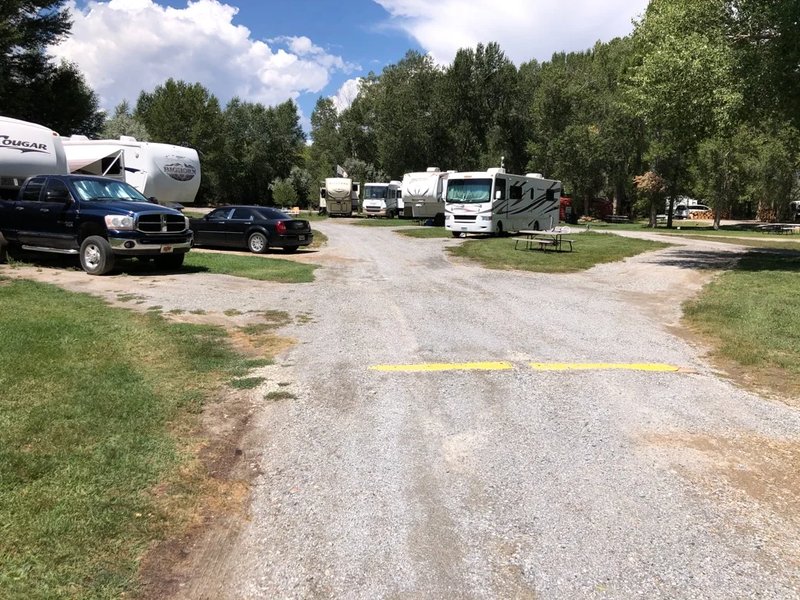
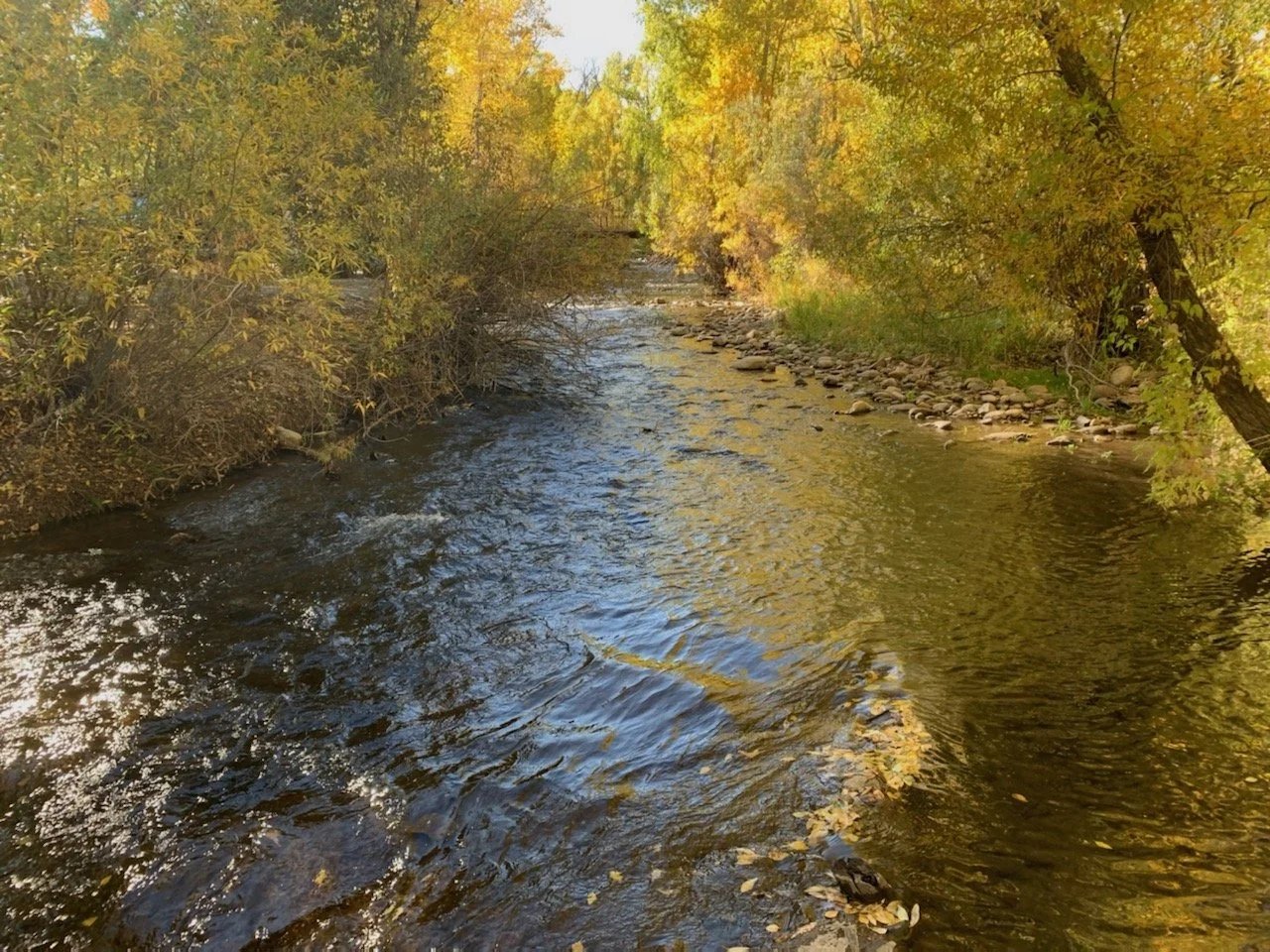
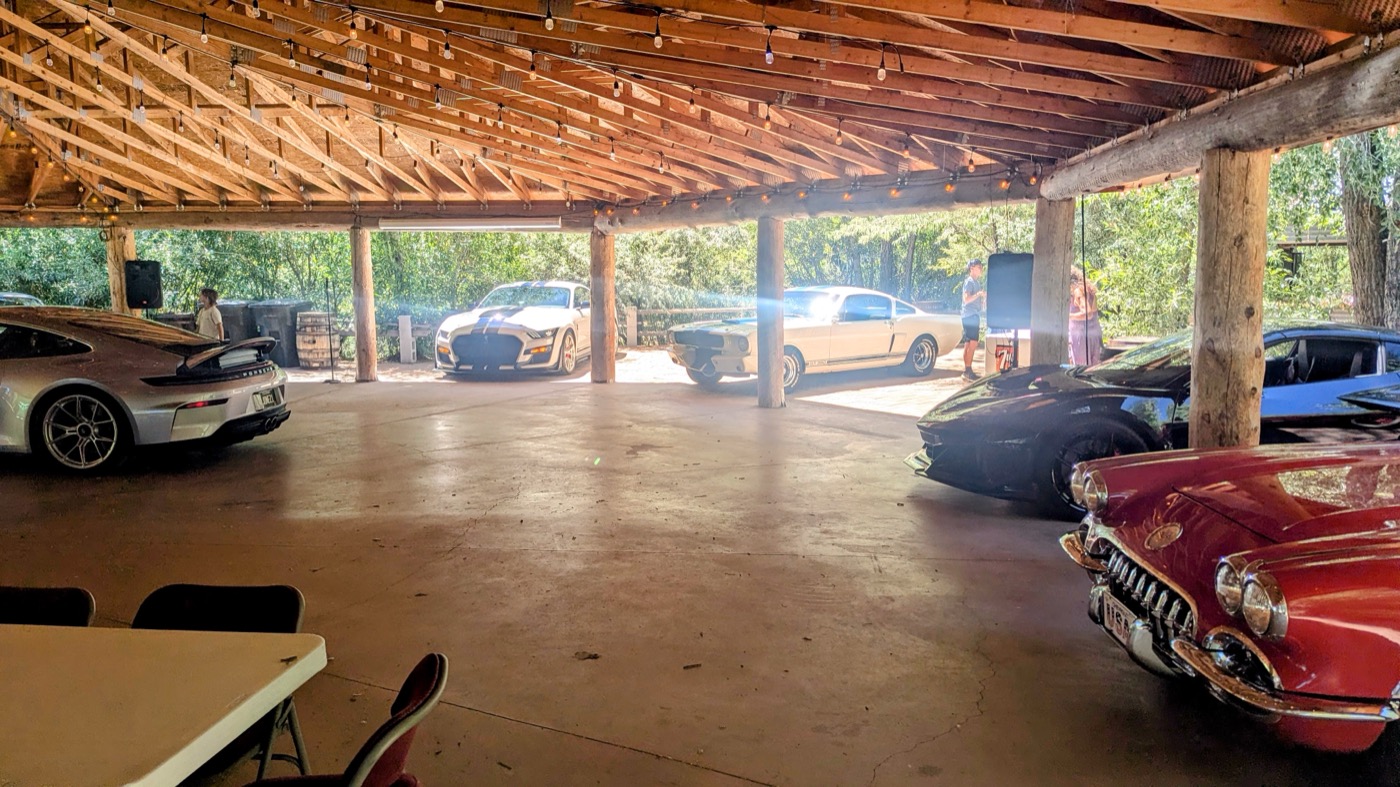
Add image 4
Add image 5
Add image 6
How to add a photo
- Drop the picture into the
assets/images/folder. Give it a plain name with no spaces —river-morning.jpg, notIMG_4471 (2).jpg. - In
social.html, find a grey Add image box below and replace the whole<div class="gallery-placeholder">…</div>with one line:<img src="assets/images/river-morning.jpg" alt="Morning on the South Fork." loading="lazy"> - The
alttext is read aloud to anyone using a screen reader, and shows if the photo fails to load. Say what is in the picture. - Commit and push. The site rebuilds itself in a minute or two.
Before you upload: phone photos carry the date and the GPS location they were taken at. Shrink them and strip that first — on a Mac, open in Preview → Tools → Adjust Size, then File → Export. Keep them under about 400 KB so the page stays quick on campground Wi-Fi.